Built For Real Users

ETH II is built to make crypto easier for everyday people, including beginners. The wallet focuses on the actions most users need:

  • Create or import a wallet
  • Unlock quickly
  • View your balance and wallet address
  • Send and receive ETH II

Important: write down your private keys, recovery phrase, and wallet password, then store them somewhere safe offline. Do not save them only on your phone or computer, and never share them with anyone.

If you lose your private keys, phrase, or password, your funds cannot be recovered. No one, including the developer team, can unlock your wallet without them.

This page reflects the current wallet layout now in use on the VPS-backed build, so the screenshots and download details stay aligned with the working release.

Client Type
Desktop Wallet
Mining Support
None
Network Ready
Synced via VPS

Wallet Download Current Release

Download the ETH II Wallet for Windows. It connects automatically to the public node at ethii.net no local node setup required.

Windows x64 75 MB
Download Wallet View Wallet Repo

Windows 10/11 x64. After installing the current build, open ETH II Wallet and your balance will load automatically via the public VPS node.

SEE THE WALLET FLOW

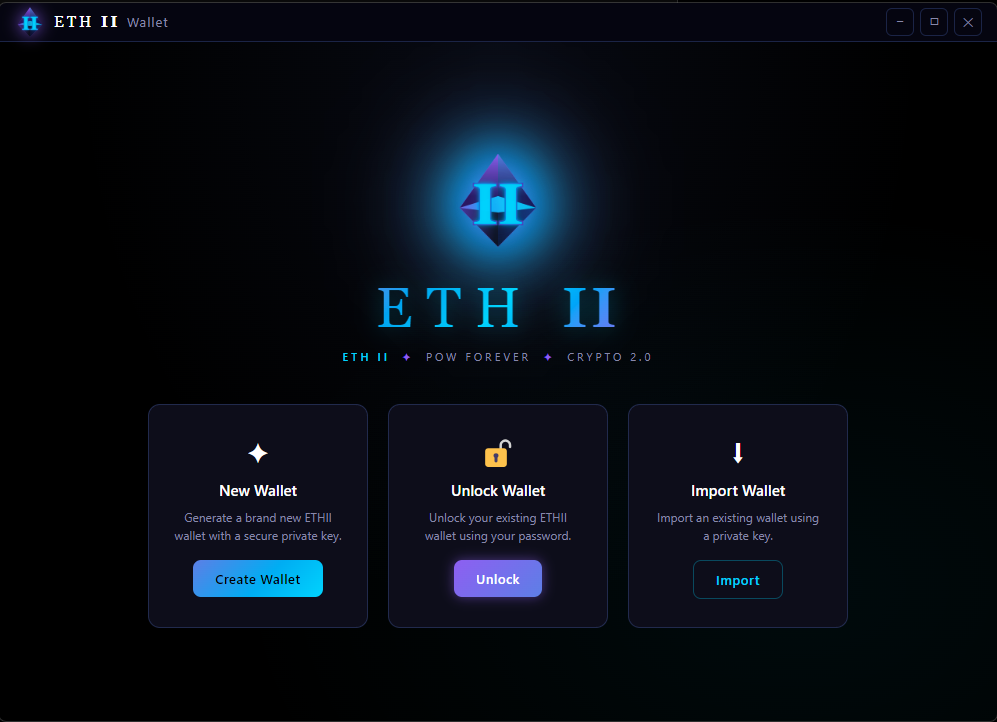
ETH II wallet home screen screenshot
Welcome Screen

New, Unlock, or Import

This opening screen makes the wallet’s first decision obvious: create a new wallet, unlock an existing one, or import by private key. It gives new users a simple landing point instead of forcing setup choices into hidden menus like the old crypto wallets.
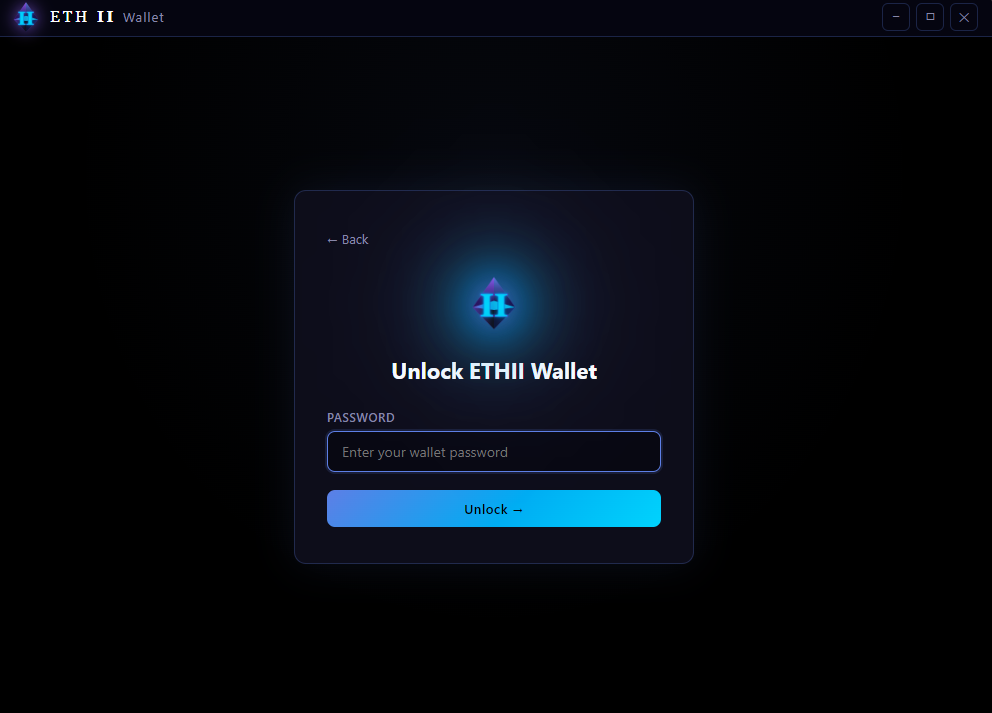
ETH II wallet log in screen screenshot
Unlock Flow

Focused Password Entry

The unlock view strips away distractions and keeps the user centered on one action: entering the wallet password. We wanted to keep the panel layout clean, high contrast, and easy to understand at a glance.

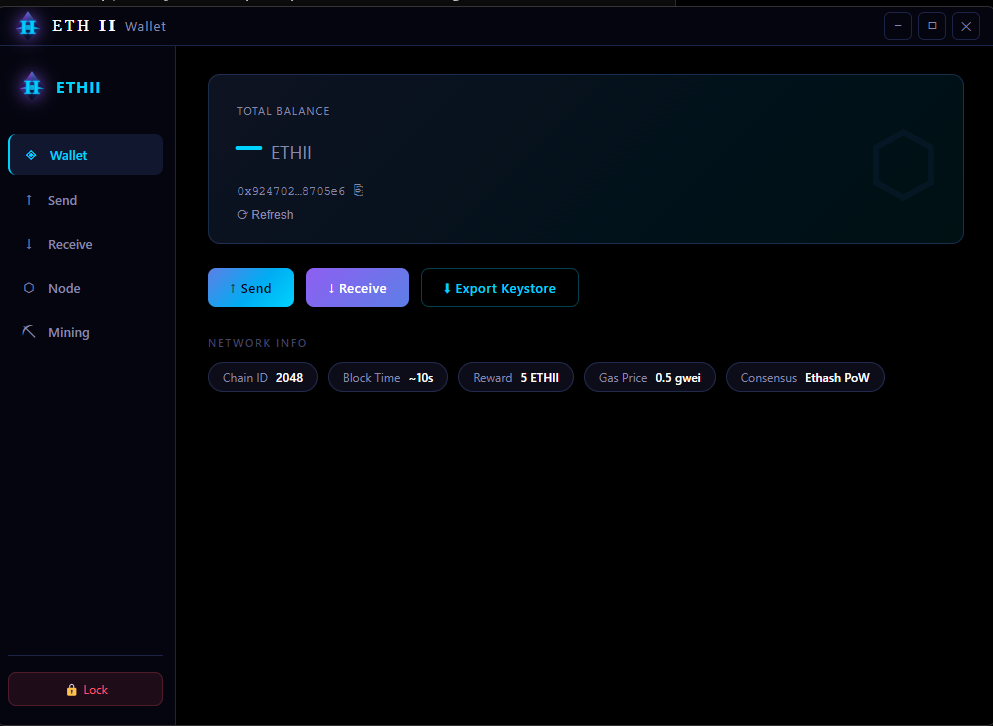
ETH II wallet balance screen screenshot
Wallet Dashboard

Balance, Address, and Core Actions

The main wallet page gives you your most important information in one place:

  • Your account address (use this for mining and receiving ETH II)
  • Your total balance
  • Quick actions for send, receive, and wallet backup/export
  • Chain details like chain ID, block time, reward, gas price, and consensus mode

Never share your private keys or recovery phrase with anyone.

ETH II wallet balance screen screenshot
VPS Sync

Always Pointing at the Current Node

The current wallet build no longer includes CPU mining controls. It keeps the focus on balance, send, receive, and unlock flow while syncing through the VPS node and public RPC.

  • No mining tab in the wallet
  • Balance and transaction views stay visible
  • Network sync stays aligned with the VPS build